
Observation, registration and next steps
Building accessibility checklist: where to start?
An initial guide for managers to observe possible barriers in the property, organize records and prepare a professional assessment.
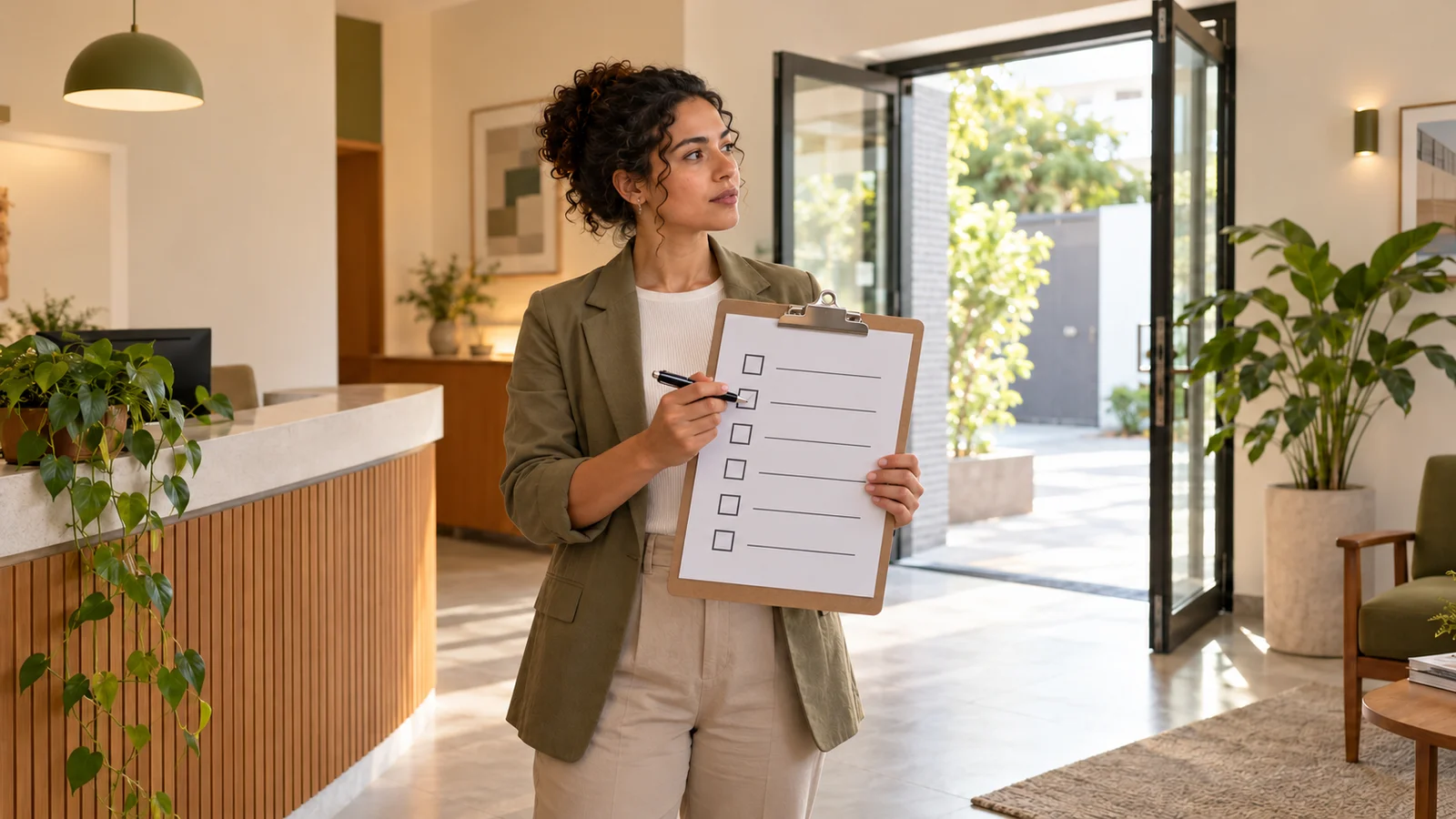
An initial accessibility checklist helps identify possible barriers to arrival, circulation and use of environments. It organizes observations for technical referral, but does not prove compliance, does not authorize works and does not replace a report or project.
What can — and cannot — be assessed with a checklist?
This script is intended for preliminary observation by owners, property managers and managers. It is not a reproduction of a normative technical list nor a form to approve or disapprove a building.
A MPSC technical checklist, for example, has an application aimed at qualified professionals with knowledge in the area. The institution also highlights the technical responsibility for using this instrument.
In your observation, record “perceived barrier”, “doubt for evaluation” or “not observed”. Don't use “conforms” just because an element looks good. Widths, slopes, reaches and construction details require analysis of applicable requirements.
An existing ramp or a symbol on the door alone do not demonstrate accessibility. Think about the complete route and the activities carried out, considering people with different mobility, perception and communication needs.
1. Observe the arrival and entry of the property
Start with the path that the public actually uses. Relate arrival via the sidewalk or parking lot to the entrance and first point of service.
- Are there steps, unevenness, objects or damaged surfaces on the route?
- Can the entrance be located without relying on verbal guidance?
- Doors, turnstiles or furniture seem to make passage difficult?
- Does available access remain open during operation?
- Are there reports of people not being able to enter independently?
Note where the difficulty begins. Do not improvise ramps or other devices based on this guide: an inadequate solution could create risks and not resolve the connection between spaces.
2. Monitor circulation between environments
Proceed to visitor services, including restrooms and waiting areas. Also note changes in pavement and situations where the path is interrupted.
- Do boxes, vases, chairs or equipment occupy the passages?
- Queues and open doors block the route at busy times?
- Do loose carpets, cables or damaged flooring create difficulties?
- Do any environments depend exclusively on stairs to be reached?
- Do existing elevators or platforms experience recurring unavailability?
An empty corridor in a photograph can function differently during service. Record the time and situation observed, without subjecting visitors to walk-in tests or unsafe travel.
3. Consider bathrooms, furniture and service
Arriving at the environment does not guarantee being able to use it. Observe the approach to the counter, the waiting areas and the possibility of reaching the equipment necessary for the service.
- Is the toilet identified as accessible available or has it become a storage room?
- Are there objects occupying areas close to the basin, washbasin or door?
- Does the counter offer an alternative service for seated people?
- Do tables and terminals present apparent obstacles to the approach?
- Is the team aware of reported difficulties and available resources?
Do not conclude that a toilet meets standards just because of the presence of bars. Position of parts, areas of use and other conditions must be checked together by a qualified professional.
4. Check signage and guidance
Consider those who visit the property for the first time. A AGU presents accessibility as a condition for safe and autonomous use, also involving information and communication.
- Are entrances, service and restrooms identified in an understandable way?
- Do reflections, lighting or poor contrast make it difficult to find information?
- Do directions rely exclusively on signs, sounds or verbal explanations?
- Are existing tactile features obstructed or damaged?
- Do employees know which resources work and where they are?
Do not install tactile flooring, Braille or isolated signs to “complete” the checklist. The choice and arrangement of these resources requires planning consistent with the applicable routes and regulations.
5. Record problems and plan next steps
For each observation, write down location, date, perceived difficulty and corresponding document or photograph. Avoid photographing people or recording personal information without need and authorization.
Example: instead of “reception not accessible”, write “waiting chairs occupy part of the way to the counter at 10 am”. The record describes a verifiable situation without anticipating the technical conclusion.
Separate operational occurrences, maintenance needs and issues that depend on the project. The removal of objects must respect the safety and functioning of the location; do not alter construction elements or equipment yourself.
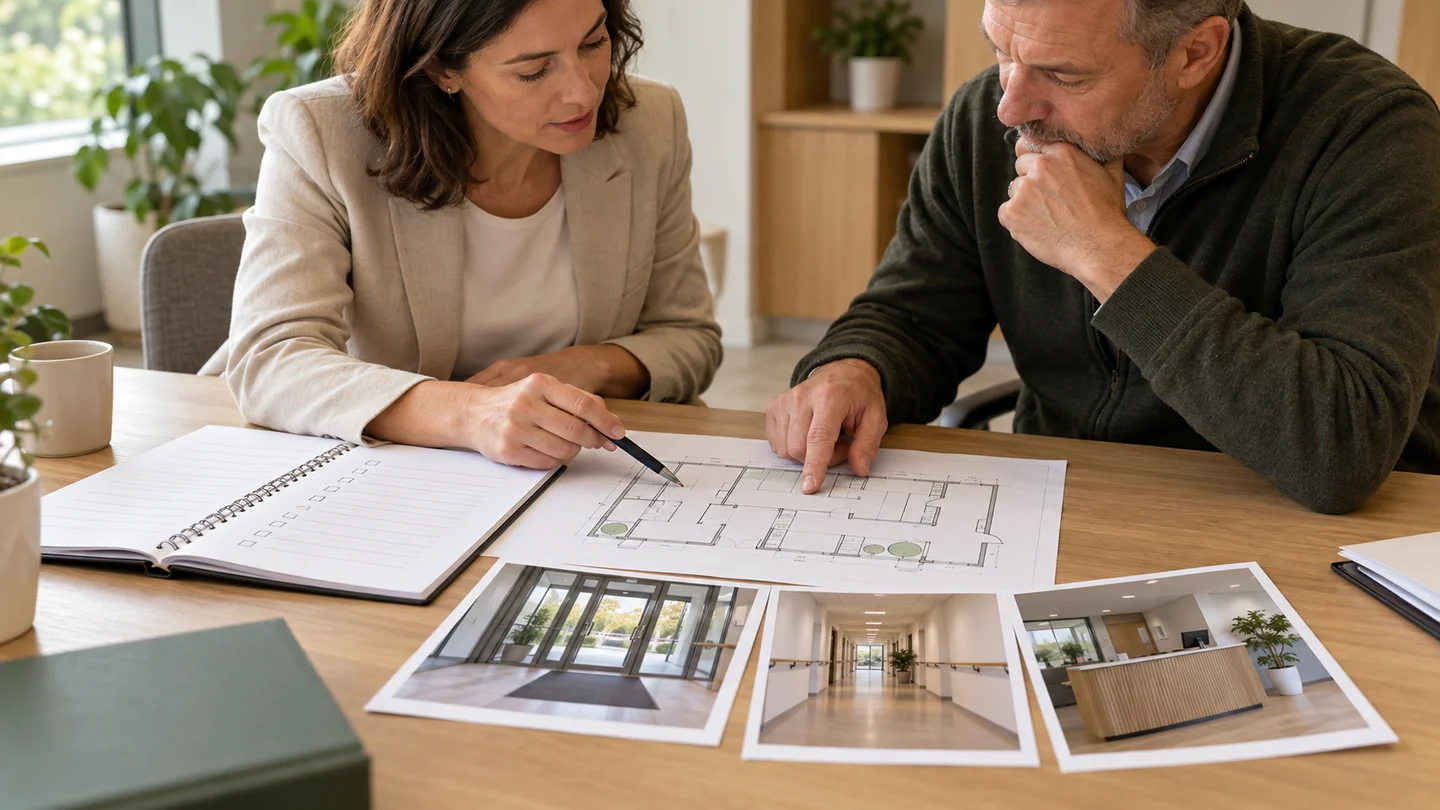
Gather available plans, property activity, approximate area, photographs and any notifications. These materials help define the scope of a accessibility report, when it is necessary to diagnose existing conditions.
If there is already a diagnosis, a adaptation plan can organize interventions. To detail solutions, it is necessary to evaluate the accessibility project. Planning steps does not waive requirements or extend administrative deadlines.
After layout changes, renovations or new reports, resume recording. Accessibility needs to continue to work in everyday use, not just at the time of assessment.
Did you encounter barriers or have questions?
Talk to Acessibilize to define the appropriate assessment for your property and the objective of the service.
Discuss your propertyReferences consulted
Applicable technical and legal references must be verified by the person responsible for the evaluation. This itinerary is not exhaustive and does not constitute an opinion on a specific property.